 James Frewin
Loopwall
A menu-bar app that plays a video or GIF as your Mac’s desktop wallpaper, on the built-in display and every external one. It compresses whatever you give it, so a 25 MB clip settles down to a couple of megabytes.
Free, direct download. Requires macOS 15+. Not on the App Store.
How it works
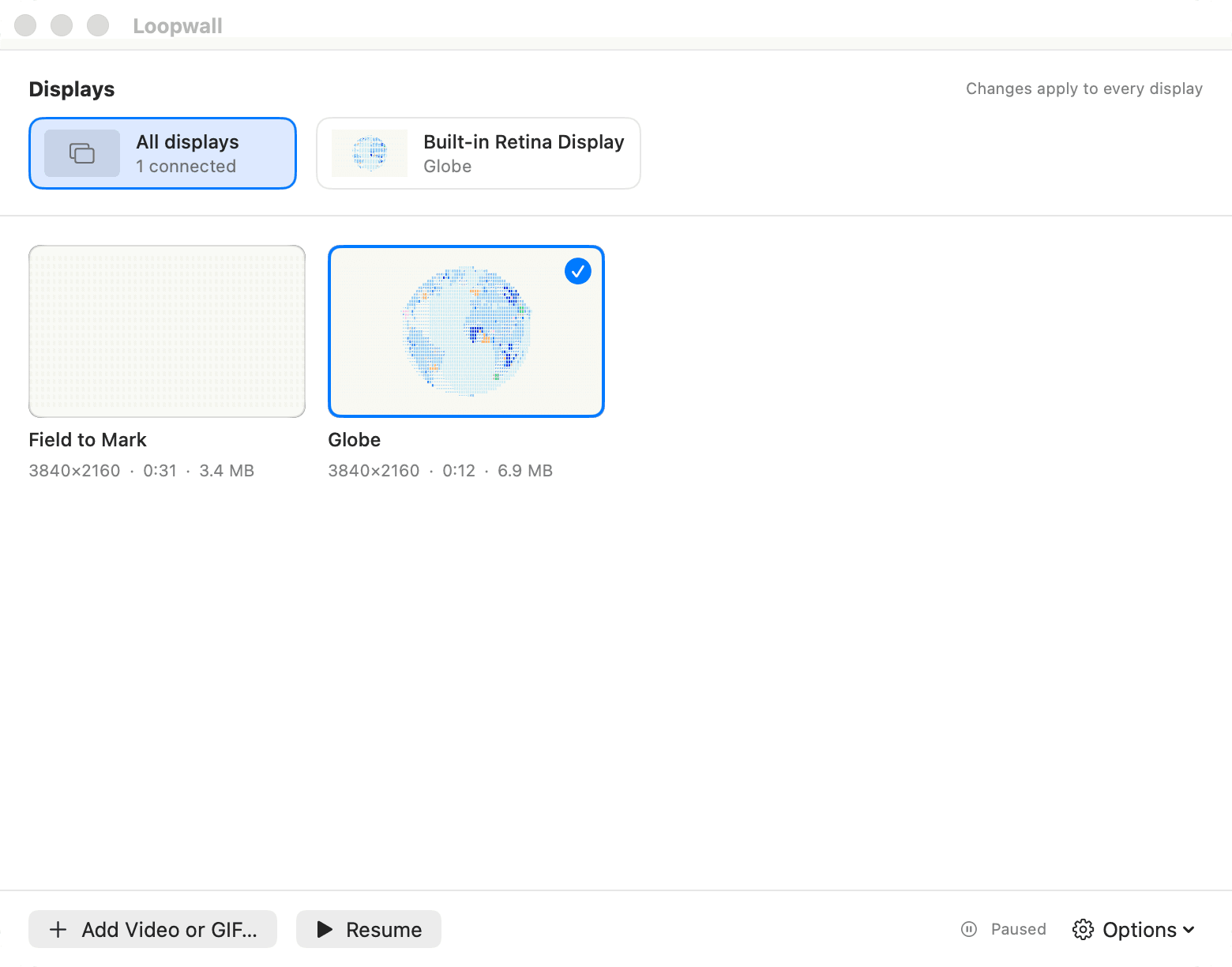
Open Loopwall
Click the menu-bar icon and choose Open Loopwall, or just double-click the app.
Drop in a clip
Drag an MP4, MOV, or GIF onto the window, or use Add Video or GIF.
Pick a size
The import sheet shows the resulting resolution and file size before it encodes anything. 1080p is the sweet spot for most displays.
Click it to apply
Select a display first to target just that one, or leave “All displays” selected to set it everywhere at once.
What it does
One clip per display
Give your laptop screen and every external monitor their own video, or the same one everywhere. Assignments are keyed to each display's hardware ID, so unplugging and replugging restores it.
Compressed automatically
Everything gets re-encoded to HEVC before it becomes your wallpaper. A 23 MB 4K clip usually lands under 4 MB, muted, with the frame rate you chose baked in.
Power-aware by default
Decoding stops the instant a window covers the desktop and resumes the instant it's clear. Pause on battery or in Low Power Mode if you want it even quieter.
Desktop icons, out of the way
One toggle hides Finder's desktop icons so the wallpaper is all you see. Off by default, on whenever you want a clean screen.
MP4, MOV, or GIF
Drop in whatever you have. GIFs are converted to HEVC too, with per-frame timing preserved, because GIF is a terrible codec for a wallpaper that runs all day.
HDR-aware
HDR sources are tone-mapped to SDR during compression by default. Import at Original if you'd rather keep the HDR grade uncompressed.
What compression actually does
Everything is re-encoded to HEVC in a single pass, audio dropped since the wallpaper plays muted anyway. Measured on real imports:
| Source | Output | Result |
|---|---|---|
| 2560×1440, 30 fps · 12.4 MB | 1920×1080, 5.2 Mbps | 3.3 MB (26% of source) |
| 3840×2160, 60 fps · 23.2 MB | 1920×1080, 30 fps | 3.9 MB (17% of source) |
| 1280×800 GIF · 1.3 MB | 1280×800 HEVC | 137 KB (10% of source) |
Put one on your desktop.
Free, no account, nothing phones home. Distributed directly, signed and notarized, so it opens with no Gatekeeper warning.